Tips and tools to get off to a good start
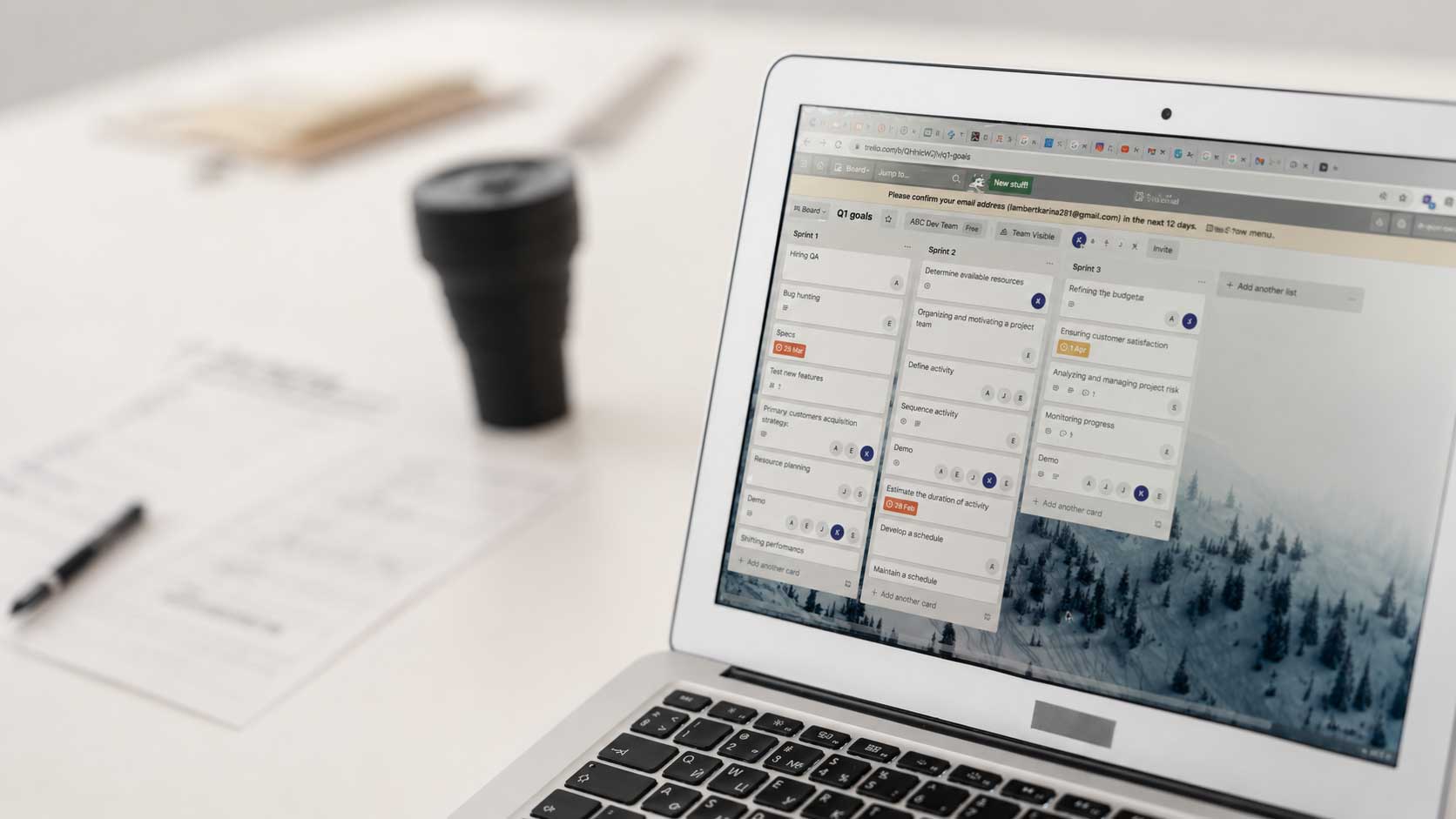
Returning to work after the summer often brings new projects, meetings, goals, and a long to-do list. Having a good organizational system can make the difference between starting September feeling chaotic or starting with more clarity. In this article, we share four practical tips to better organize your work and some tools that can help you put them into practice.
September feels like a fresh start. After a few weeks of rest, many people return to work with new challenges on the table, projects to pick back up, and goals to define. Although the temptation is often to get back up to speed as quickly as possible, taking a few minutes to organize your return can make the first few weeks much more manageable.
The artificial intelligence is changing the way we access knowledge, learn, and work, while new platforms designed to simplify daily tasks, improve organization, or facilitate team collaboration are emerging. However, technology only adds value when it addresses a specific need and integrates naturally into the way we work.
For this reason, this article does not aim to compile every available tool, but rather to share a series of habits that can help you face September with better organization. For each one, you will find a tool that can support you in turning these small changes into a simpler and more sustainable routine.
Don't try to organize everything on the first day
Returning from vacation feeling like you have to make up for lost time is completely normal. However, trying to answer all pending emails, close out all accumulated tasks, and plan the next few months in a single day usually has the opposite effect: more stress, more interruptions, and the feeling of not making any progress.
Organization isn't about doing more things from the very first moment, but about deciding where to start. Taking a few minutes to plan your week before getting caught up in the daily grind can help you work with more clarity and prevent urgent matters from dictating the pace of your first few weeks.
Put it into practice
Before the week begins:
- Review ongoing projects.
- Identify the most important meetings.
- Set aside time for planning.
- Distribute priority tasks across several days.
A tool that can help you: Google Calendar
Beyond scheduling meetings, Google Calendar allows you to block out time for uninterrupted work, spread your workload throughout the week, and see at a glance when it is best to focus or leave space for new tasks.
Prioritize before you start executing
Once you have an overview of the week, it is time to decide where to start. It is common to open your email as soon as you sit down at your computer or respond to the first requests that come in, but what is urgent does not always coincide with what is important.
Taking a few minutes to identify the tasks that will truly have the greatest impact will help you work with more focus and avoid the feeling of being busy without making progress. Prioritizing is not about doing more things, but about dedicating time to those that add the most value.
Put it into practice
Before starting your day, ask yourself:
- Which task will have the greatest impact today?
- What can I resolve in less than five minutes?
- What can wait without affecting the rest of the work?
- Which tasks could I group together to avoid constant context switching?
A tool that can help you: Microsoft To Do
If you are looking for a simple way to organize your tasks, Microsoft To Do allows you to create lists, set priorities, and mark daily goals to keep your focus on what is truly important. Its integration with Microsoft 365 also makes it easy to manage tasks related to Outlook or Teams from a single place, ensuring nothing important falls through the cracks.

Centralize information in one place
One of the greatest enemies of organization is not a lack of time, but the difficulty of finding information when we need it. After a few weeks of vacation, it is common to have documents scattered across email, folders, notes, conversations, or different applications, which causes us to waste time searching instead of moving forward.
Centralizing all information related to a project in a single space facilitates task tracking, improves collaboration, and avoids duplication. The less effort you spend locating a document or a note, the more time you can invest in the work that truly adds value.
Put it into practice
Try to ensure that each project has a single space where all relevant information is gathered. For example:
- Documentation and important files.
- Meeting notes.
- Links and reference resources.
- Pending tasks and next actions.
- Information shared with the rest of the team.
A tool that can help you: Notion
Notion lets you bring together documents, notes, tasks, and databases in a single workspace. Its flexibility makes it possible to create anything from a simple notepad to a complete project management system, reducing the time spent searching for information and making it easier for the entire team to work from a single source of truth.
Leverage AI to save time on repetitive tasks
Getting better organized doesn't always mean doing more in less time. Often, it's about putting less effort into repetitive tasks so you can focus on those that require analysis, creativity, or decision-making.
There are more and more artificial intelligence tools capable of simplifying everyday tasks, from summarizing documents to structuring information or generating initial drafts. When used judiciously, they can become a support system to streamline daily work and free up time for activities where critical thinking, experience, and creativity remain essential.
Put it into practice
AI can help you with tasks such as:
- Summarizing long documents or reports.
- Organizing meeting notes.
- Preparing the first draft of an email or presentation.
- Brainstorming ideas for a project or work session.
- Structuring a plan before you start developing it.
Tools that can help you
There are various artificial intelligence assistants that can help you streamline daily tasks, each with different strengths depending on your work environment.
ChatGPT: useful for summarizing documents, brainstorming ideas, structuring projects, or writing initial drafts.
Microsoft Copilot: especially interesting for those who work with Microsoft 365, as it integrates with applications like Outlook, Word, Excel, or Teams to facilitate routine tasks.
Claude: stands out for its ability to analyze extensive documents, synthesize information, and work with long texts in a clear and structured way.
Google Gemini is a great option for Google Workspace users, thanks to its integration with tools like Gmail, Google Docs, and Google Drive.
A small change can make all the difference
There is no perfect formula for staying organized, nor is there a single tool that can solve every daily challenge on its own. What really makes a difference is having a system that helps us make better decisions, reduce time spent on repetitive tasks, and focus our attention on what truly matters.
We hope you find some of these tips useful and that they encourage you to try new ways of organizing your work. Sometimes, a small change is enough to transform how we approach our entire day.
What habit or tool would you add to this list? We would love to hear your recommendations.